Logging in is one of the most commonly used and searched terms on the internet when it comes to WordPress. There are a number of important things to know about WordPress login. In this article, we cover all the options.
Logging in to the WordPress admin
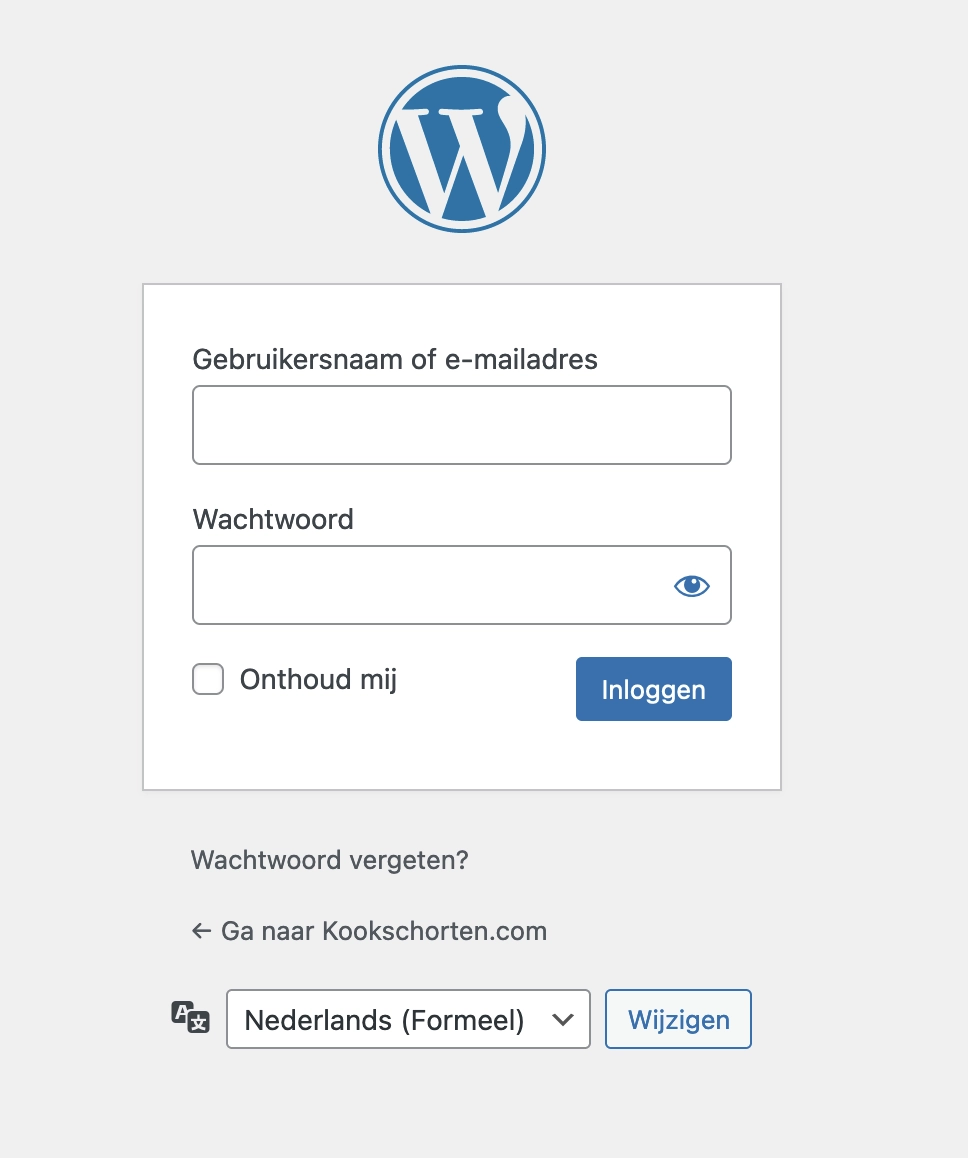
For 87% of all WordPress websites, you can reach the login page by navigating to the following URL /wp-admin/; so as an example https://www.yourdomain.co.uk/wp-admin/.
You will then see the following screen:
Securing the WordPress login page
If you do not modify the WordPress login page, it is easier for hackers to break into your website. It is worthwhile changing the slug of the login page, meaning you change /wp-admin/ to something like /secureloginpage/.
There are several ways to do this. We use a plugin called Admin and Site Enhancements (ASE). What is particularly convenient is that this plugin is completely free.
Forgotten password
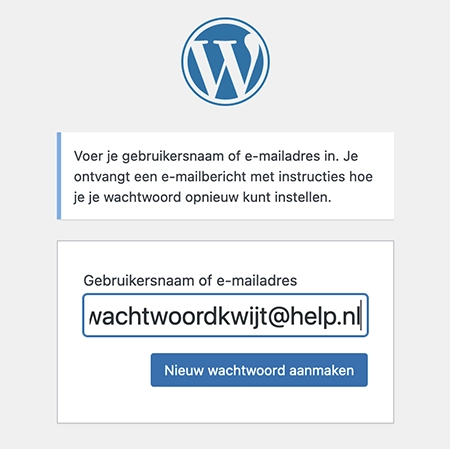
It happens to everyone at some point. You want to log in to your WordPress website and you have forgotten your password. That is naturally annoying, but not a disaster. Fortunately, WordPress has a solution for this: the ability to create a new password.
You can request a new password via the login page as described above. Press the text “Lost your password?”
A new page then opens where you can enter your email address. Within a few minutes, you will receive an email from the website in question, allowing you to create a new password. Tip: check your spam folder, as it is quite common for the email to end up in spam.
Frequently asked questions about WordPress login
How can you log in to a WordPress website?
If you have a user account/admin account on a WordPress website, in almost all cases you can go to the following URL: https://domainname.co.uk/wp-admin. Fortunately, we are seeing more and more often that the login URL has been changed as an extra security measure. If /wp-admin/ does not work, ask the website builder what the correct URL is for logging in.
How can you protect a WordPress login page?
We use a plugin called Admin and Site Enhancements (ASE). Under the security section and then Change Login URL, you can change the URL on which you log in. So you could change it to, for example, /secret/, and the login URL would become https://domainname.co.uk/secret/

About the author
Leon
Founder and WordPress Developer
Leon Katz founded WP Agency driven by his passion for WordPress and web development. With over 20 years of experience in the technical sector, he helps…
Learn more about this author →