‘Do you still need a theme with Elementor?’ That question is asked increasingly often. Especially with the arrival of the Theme Builder in Elementor Pro, a theme seems almost redundant. But the answer is ‘yes’. WordPress does not work without a theme, so you always need one. The question is simply: which theme should you choose when building your website with Elementor Pro?
In principle, almost any theme works well with Elementor. To narrow down the choice, in this article we name the 4 themes most used by the Elementor community. The best news? They are free themes!
1) Hello Elementor theme
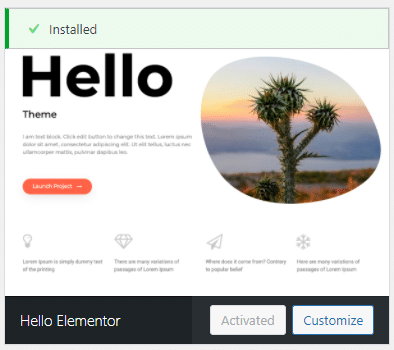
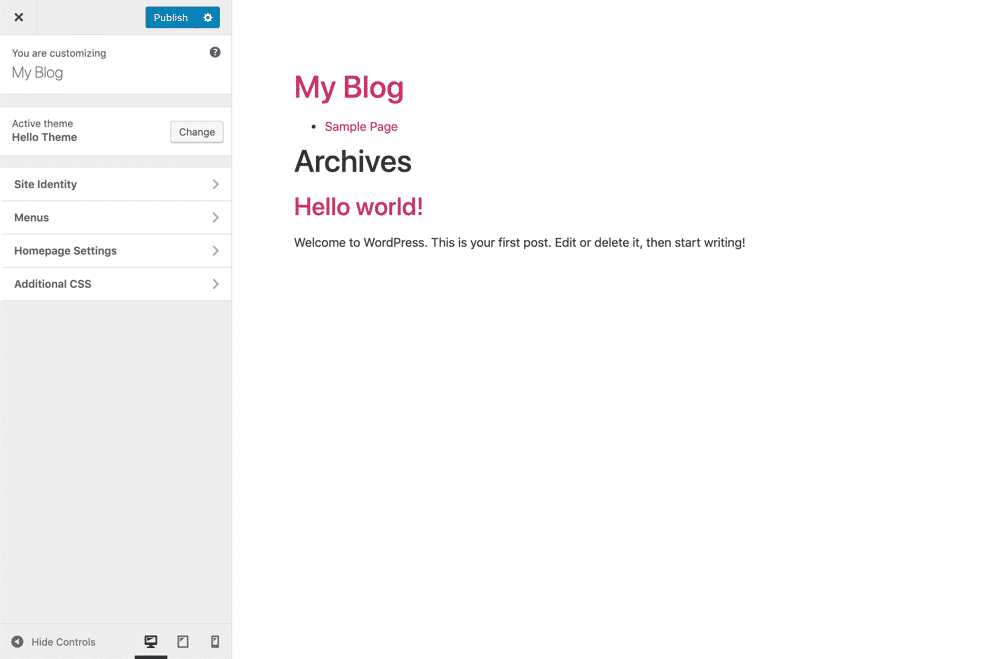
Hello theme was created by the developers of Elementor and is the most ‘lightweight’ theme you can use when working with Elementor. This theme is completely stripped down and only offers the default settings (upload logo and favicon, set homepage). This theme is the answer to the question ‘Do you still need a theme with Elementor?’. It demonstrates that you need fewer and fewer theme options to build a website. The theme is, of course, free and available to download via your WordPress admin (just like other free themes).
Small drawback of this theme (and the reason we do not use it ourselves): you cannot yet set colours for headings, hyperlinks and hovers. Of course, you can achieve this with custom CSS. We can already reveal that Elementor is working on integrating these capabilities into the page builder. When the time comes, we will certainly switch over (and share this on our website).
UPDATE: recently Elementor update 2.9 was released with a Theme Style feature. This allows you to set styles for the body, headings, buttons, images and forms. Ideal! This makes the Hello theme the best theme if you want to work with Elementor. Want to know more?
2) Astra theme
The Astra theme is the most popular amongst heavy Elementor users. It is a lightweight theme and therefore also blazingly fast. The theme was built for page builders like Elementor. But it also works well with Divi, WPBakery and Beaver Builder.
Astra offers both a free and a pro version. If you are building a simple website without WooCommerce, you can just use the free version.
3) OceanWP
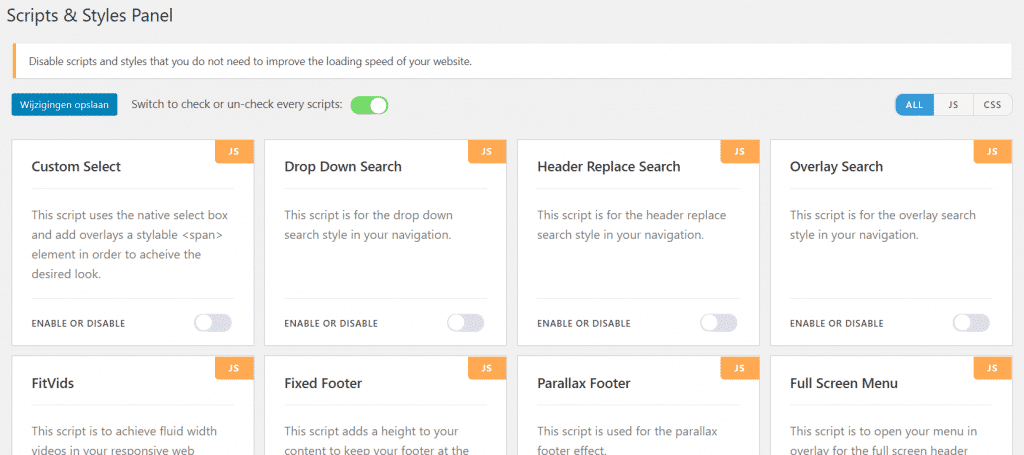
In second place is OceanWP. We once built our own website with this theme. The reason: we were looking for a theme with which you can easily create a vertical header (though nowadays you can also achieve this with popups). OceanWP also offers interesting options when working with WooCommerce, such as product filters. But today you can also set these up with JetSmartFilters. Additionally, OceanWP is known as a fast theme. What is also handy is that you can easily make the theme faster by disabling certain scripts and styles that you are not using. This improves your website’s speed. On the other hand, if you work with Hello Elementor, you do not have these scripts and styles at all.
OceanWP is free, but also offers extensions that you can install for a fee (although you hardly need them with Elementor Pro).
4) GeneratePress
GeneratePress is also an enormously popular theme and not exclusively amongst Elementor users. GeneratePress has also cleverly capitalised on Elementor’s popularity. If you were already working with GeneratePress, you can simply continue using it with Elementor.
Premium themes
It has not gone unnoticed by premium themes that Elementor is growing in popularity. For instance, one of the most popular themes on ThemeForest, Jupiter X, was recently completely rebuilt with Elementor. But personally, I do not see immediate reasons to purchase a premium theme. If you want something specific with Elementor, you might be better off looking for Elementor add-ons that can achieve this.
Why choose premium or feature-rich themes?
Importing demos
Many themes offer industry-specific demos that you can import straight away. This can save you a great deal of time (but also causes websites to look increasingly alike). Even if you have little experience with Elementor, a demo can help you set up a website quickly.
WooCommerce features
Although Elementor also offers many possibilities for WooCommerce, my experience is that this does not always work perfectly. This particularly concerns styling options. These are better configured via a theme. Do you have a shop on your website? Then I would choose a theme with extensive features for your webshop.
Will Elementor eventually replace all themes?
With the Hello theme, they have already shown that it does not really matter which theme you use; you can do (almost) everything with Elementor. And as they themselves say: ‘If you’re missing something, we’re probably working on it’. They are also enormously open to new suggestions and features. I believe they are well on their way to replacing WordPress themes, but that may take some time…

About the author
Leon
Founder and WordPress Developer
Leon Katz founded WP Agency driven by his passion for WordPress and web development. With over 20 years of experience in the technical sector, he helps…
Learn more about this author →